You inspect. Linora documents.
No stopping to type long notes. No hunting for which photo goes with which issue, later.
01
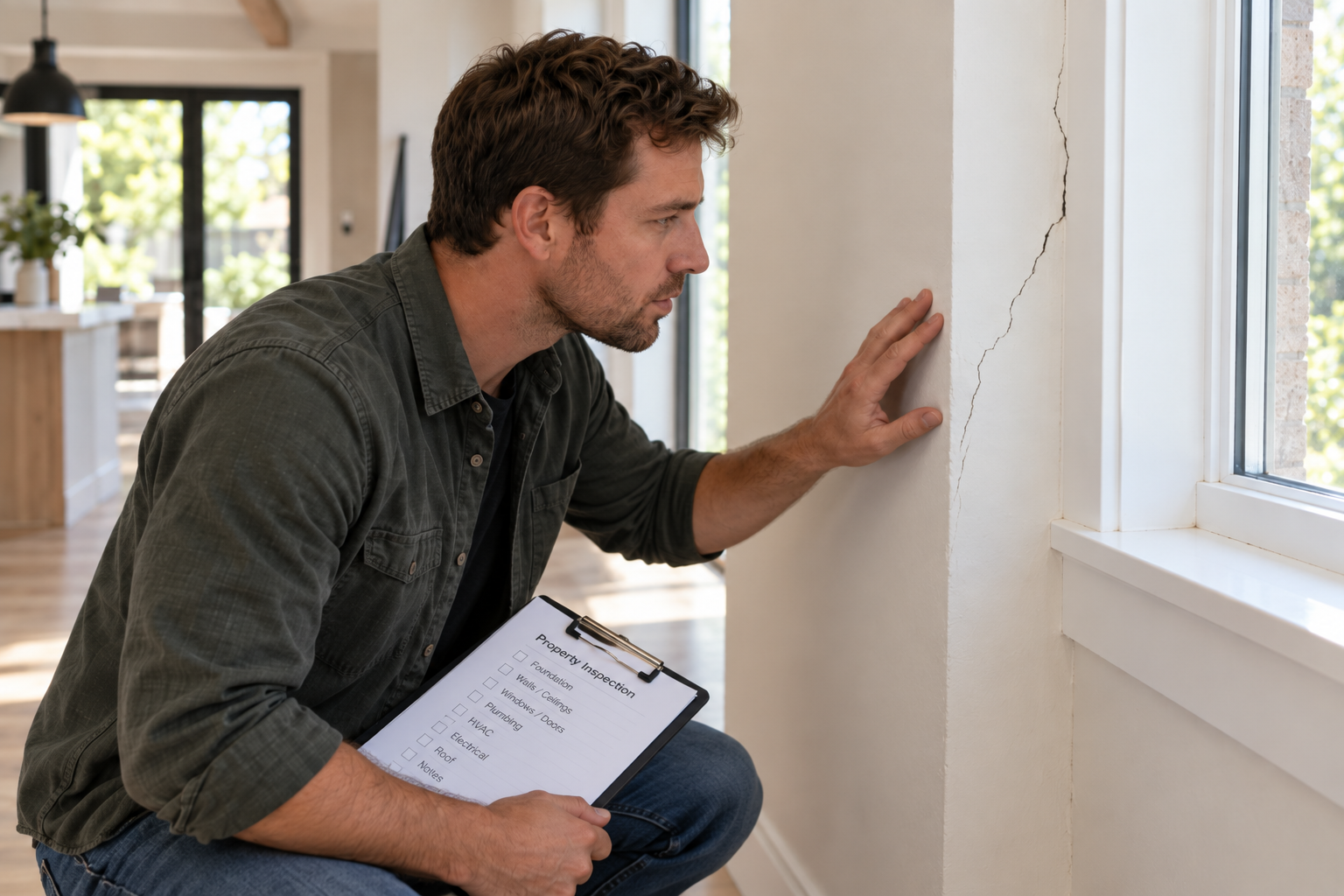
Find an issue
A crack in the foundation, damaged flashing, moisture staining, an unsafe outlet — whatever needs documenting.
02
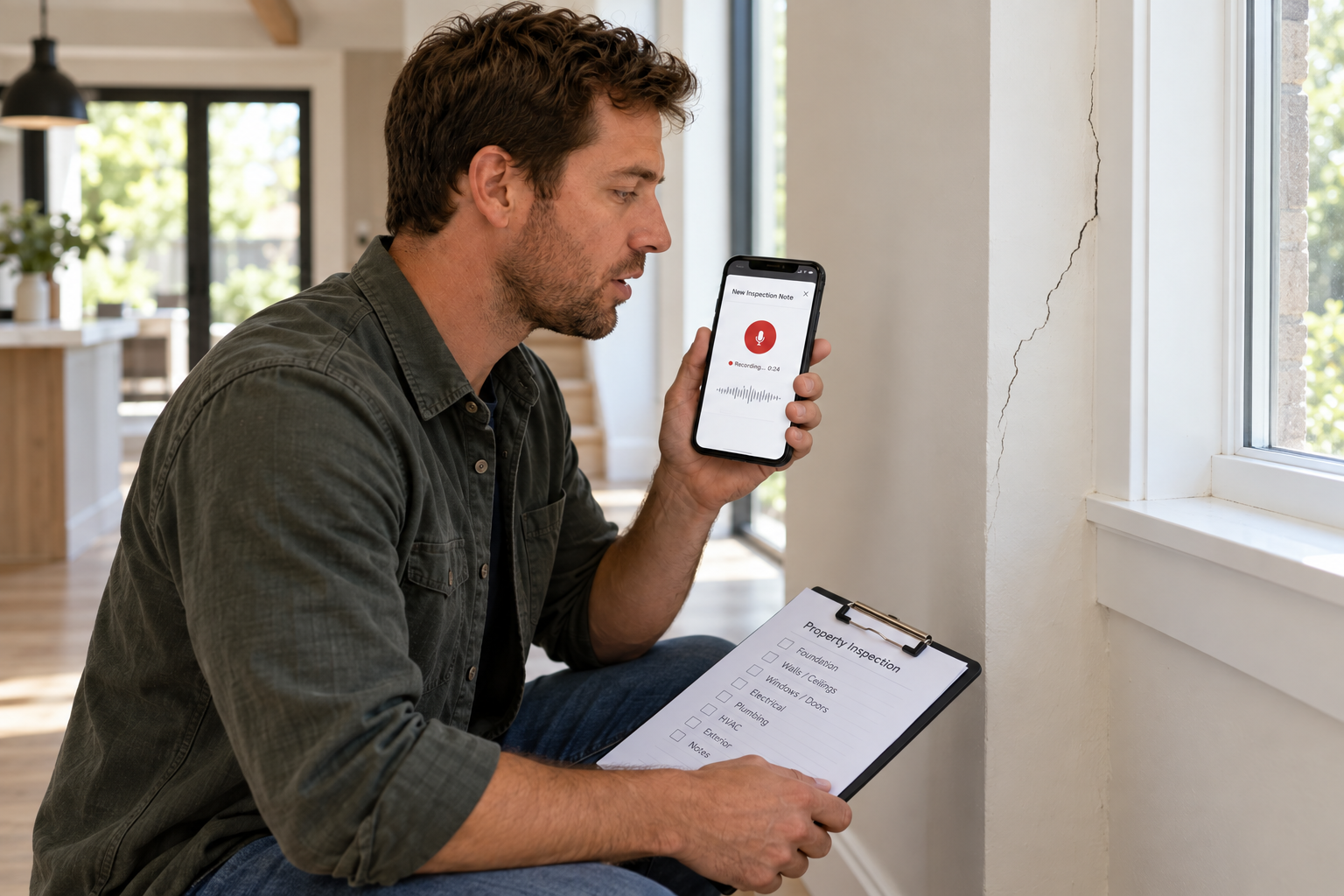
Tell Linora what you found
Tap the mic in Linora and describe it out loud.
"Vertical crack in the wall beside the window, running about three feet up from the baseboard. Recommend monitoring for further movement."
03
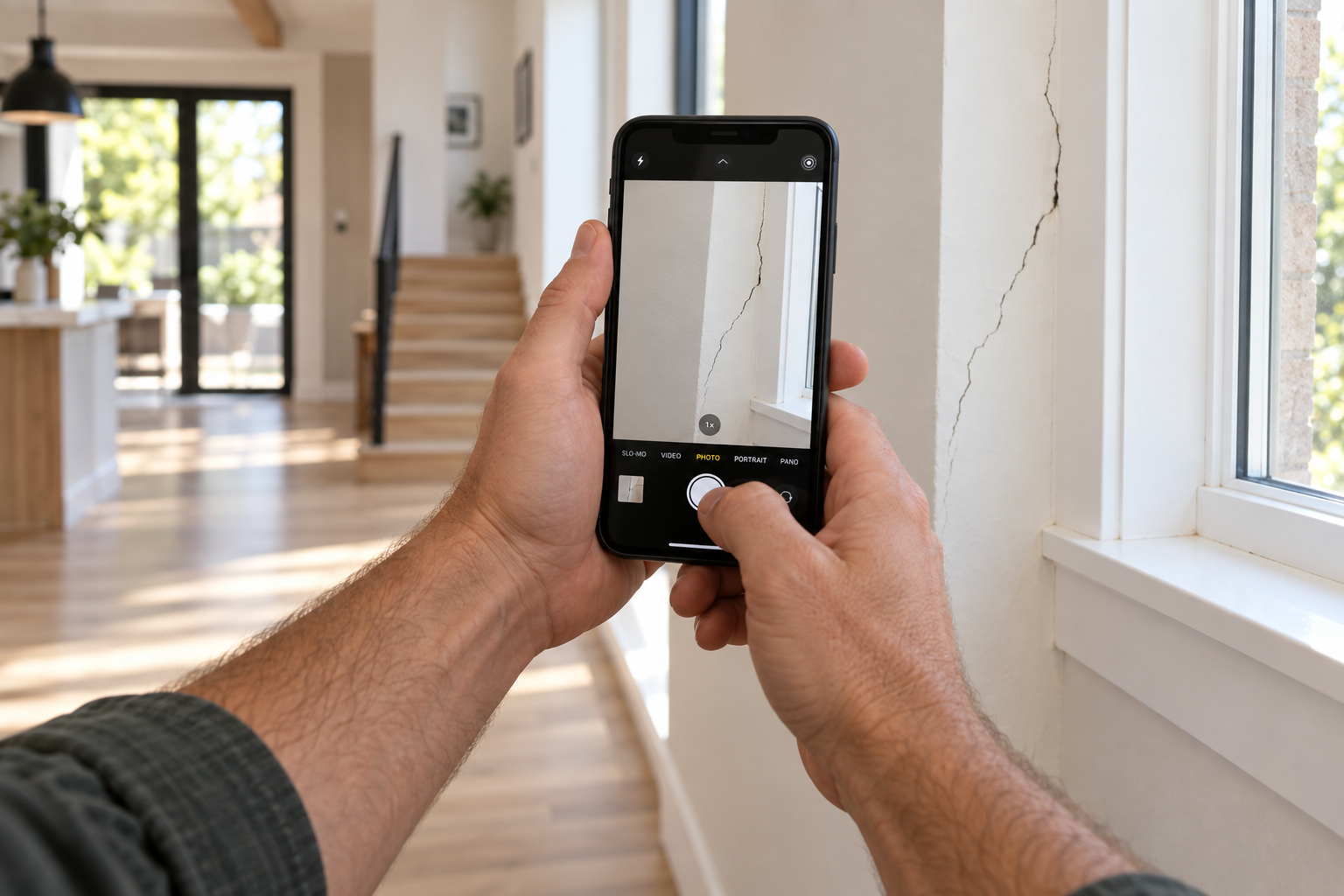
Take the photo
Open Linora and photograph what you found. It's saved directly to the inspection.
04
Linora organizes the finding and keeps it safe in the cloud
Every finding lands on the inspection record automatically. It's saved the moment you capture it and ready on any device.
- Structured for you Photo, system, description, severity, and repair estimate, all filled in on the finding.
- Saved to the cloud as you go Nothing lives only on your phone. Drop it, lose it, or run out of battery and the inspection is still there.
- Open it anywhere Start on your phone in the field, then pick up on your office desktop right where you left off.
- Review and edit before it goes out Tweak wording, severity, or estimates on the big screen before the client sees anything.
- Export it your way Turn the inspection into a report in the format you already deliver to clients.
- Easy to find later Search and filter findings by system or severity, on this inspection or one from years ago.
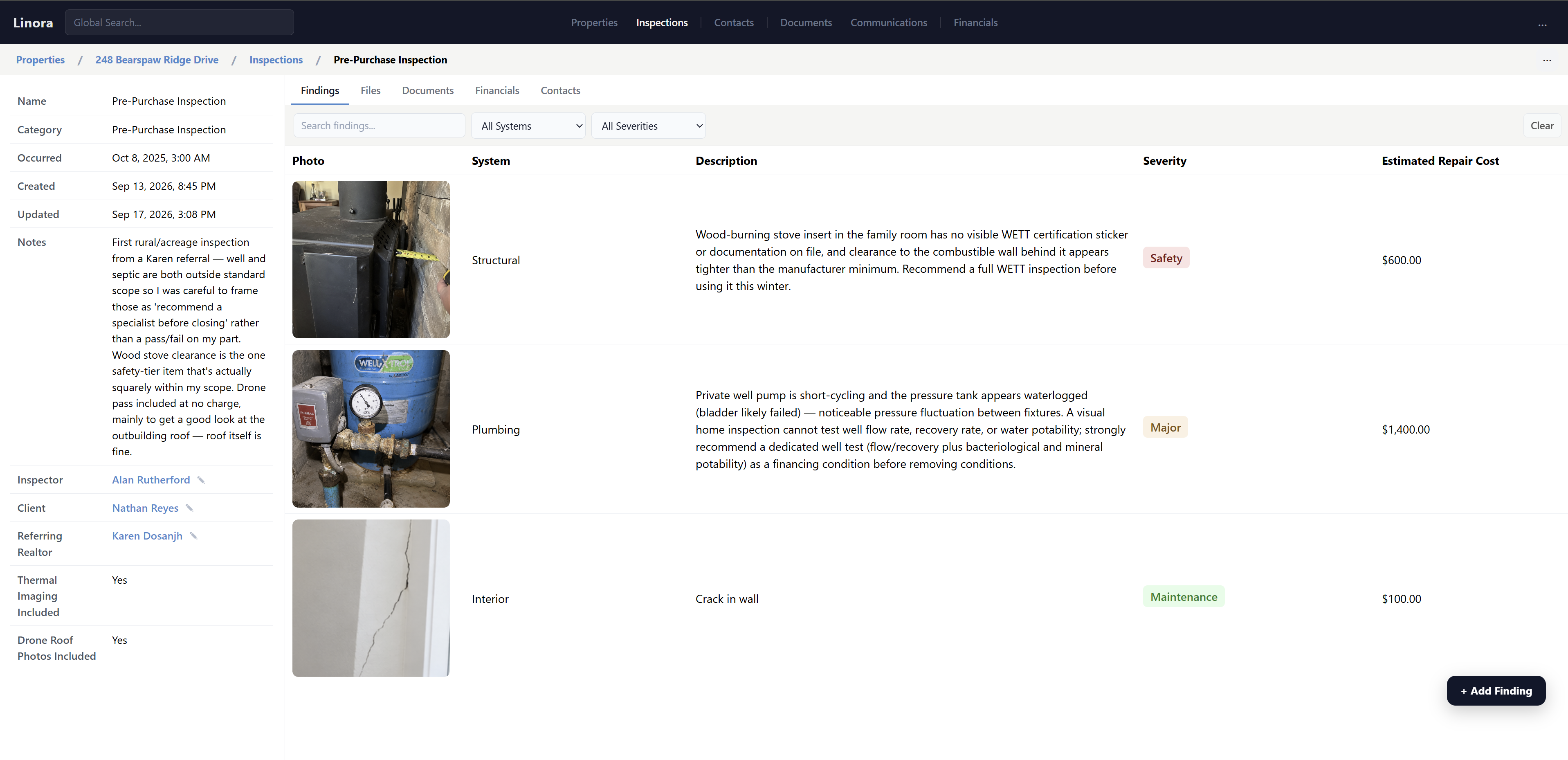 Actual screenshot of Linora